
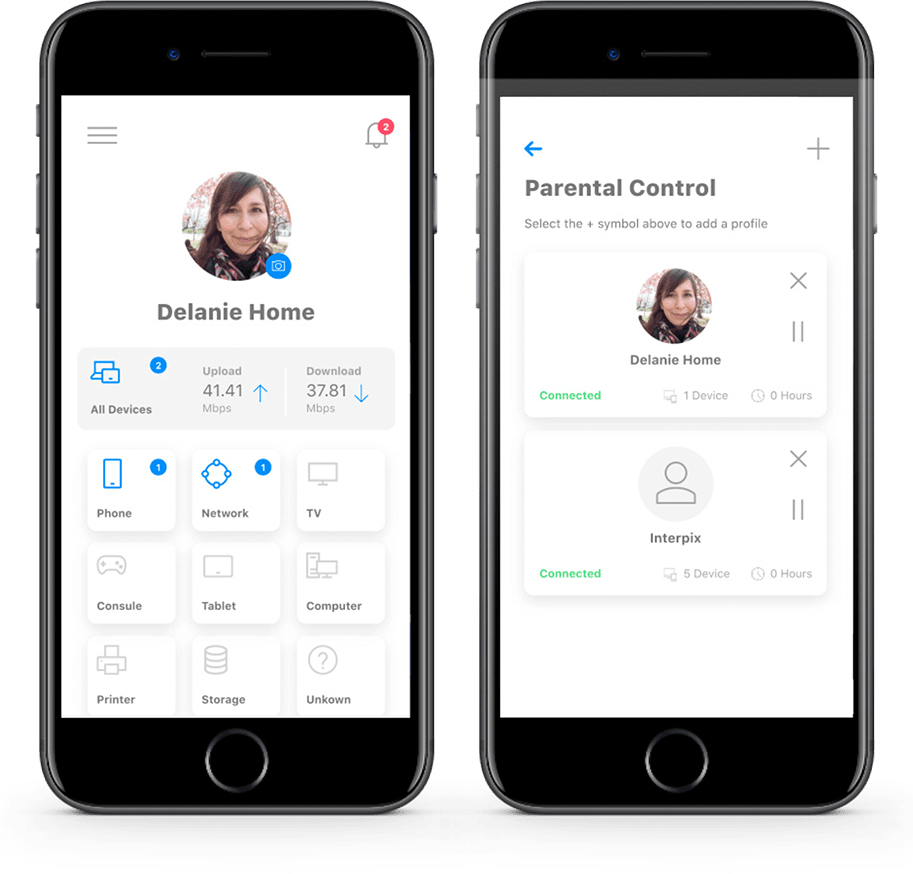
Get Your Free
HTC Advanced WiFi App
- Unmatched Performance
- Enhanced Security
- Unlimited Flexibility

Control your network with the HTC Advanced Wifi App
The app lets you take control:
- Enable parental controls
- Set up a guest network
- View details on connected devices
- Network Usage and Network Map
- Run a speed test
- Enable and Disable applications
- Network Security
- Reset the SSID and Password for WiFi
Subscribers with GigaSpire BLAST systems will also be able to:
- See usage on the network
- Run Bandwidth Tests within and outside their home network
Setup process
- Login: Sign up using your email address.
- Identification: Use the QR code on the bottom of the router to scan it, or enter the MAC/Serial number manually.
- WiFi Setup: The app will guide you through setting up your WiFi name and password.
Navigating the app
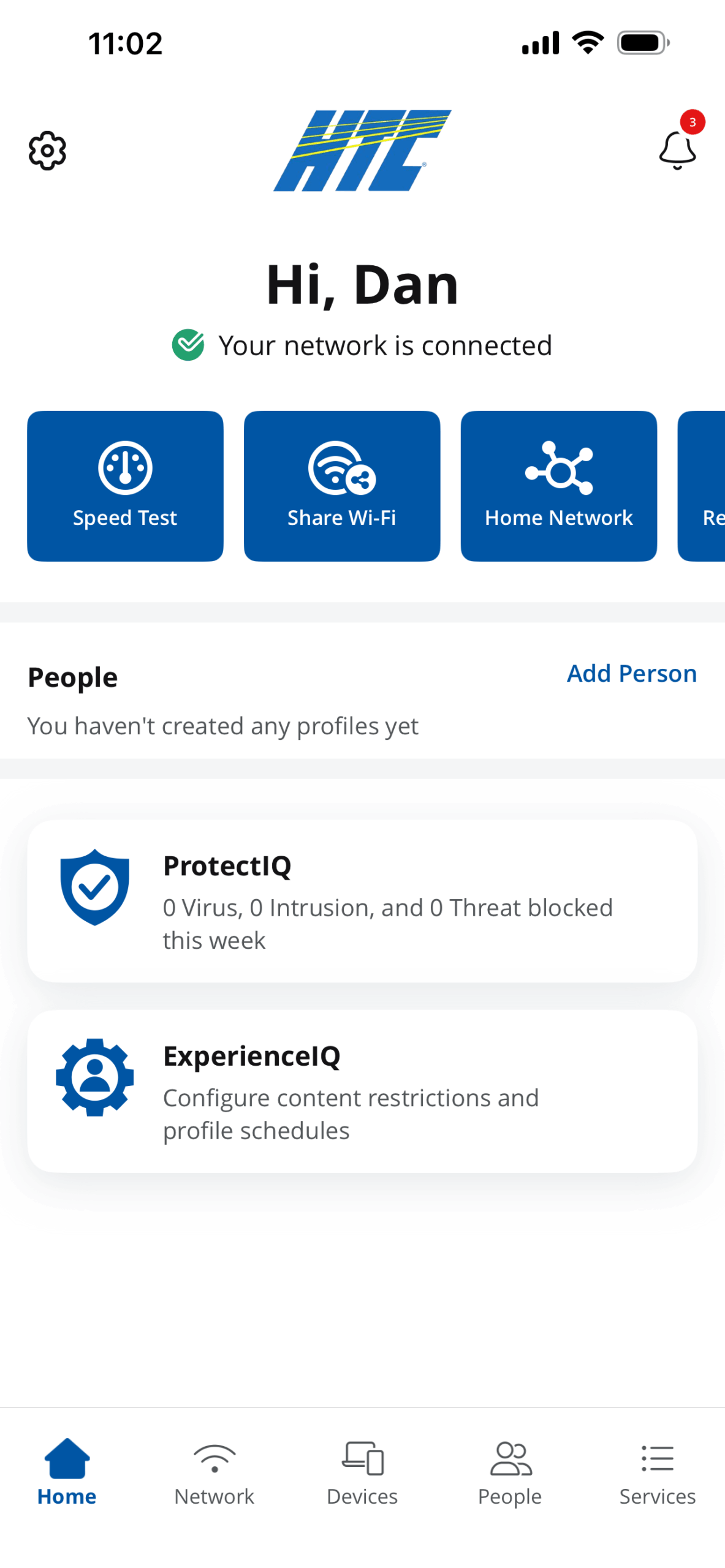
Home
Provides quick access to Speed Tests and system reboots.
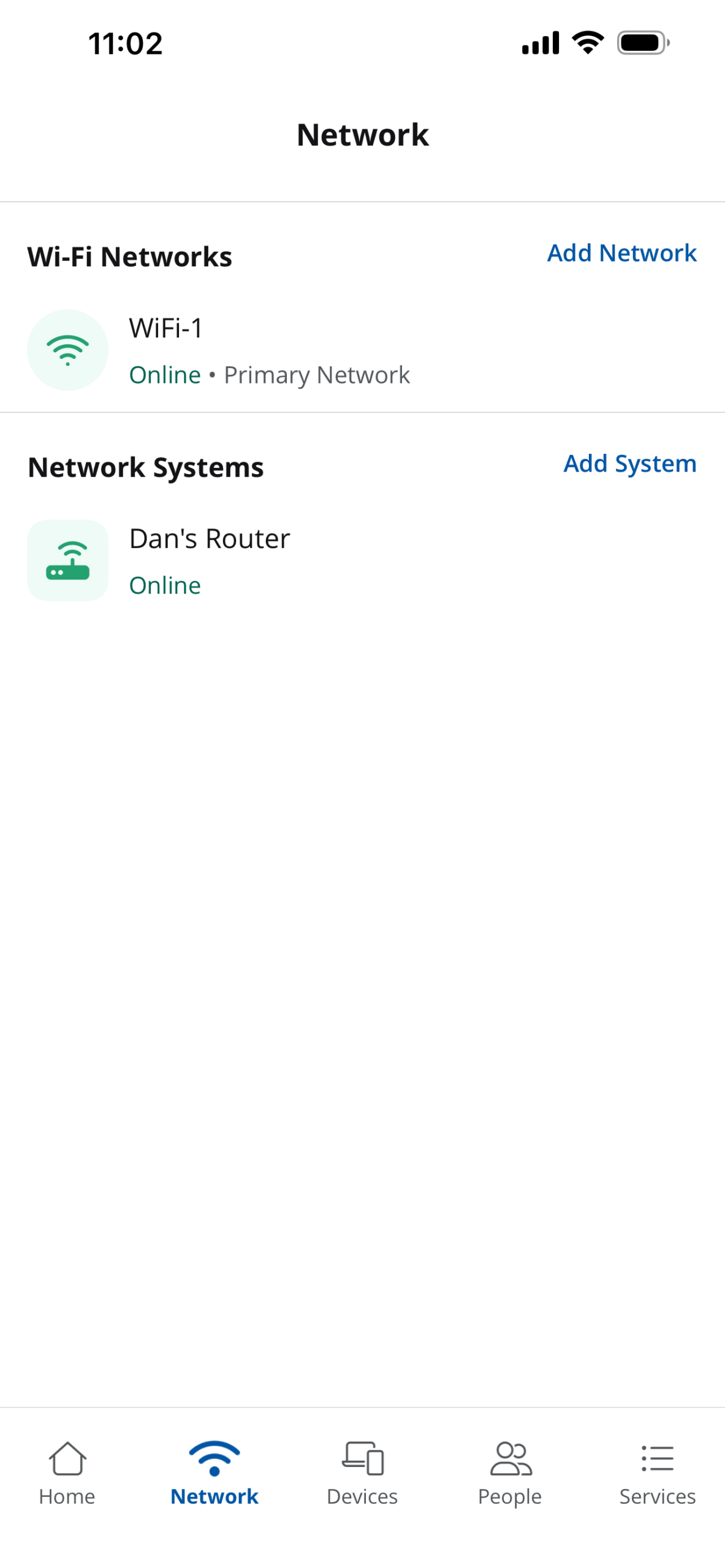
Network
Create multiple networks (like a Guest or WFH network) to keep different types of traffic separate and secure.
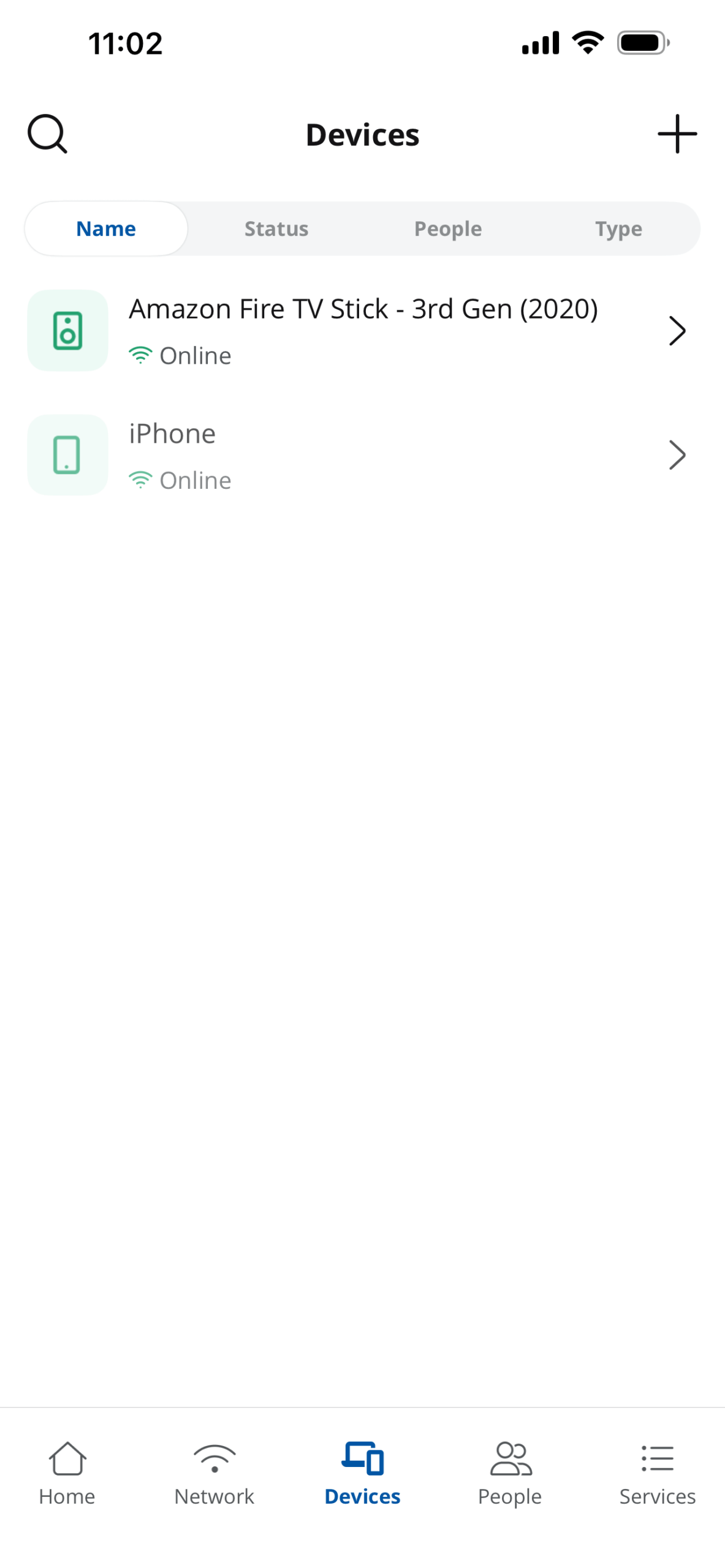
Devices
A real-time map of everything connected to the home. Rename devices, assign them to specific people, or remove them.
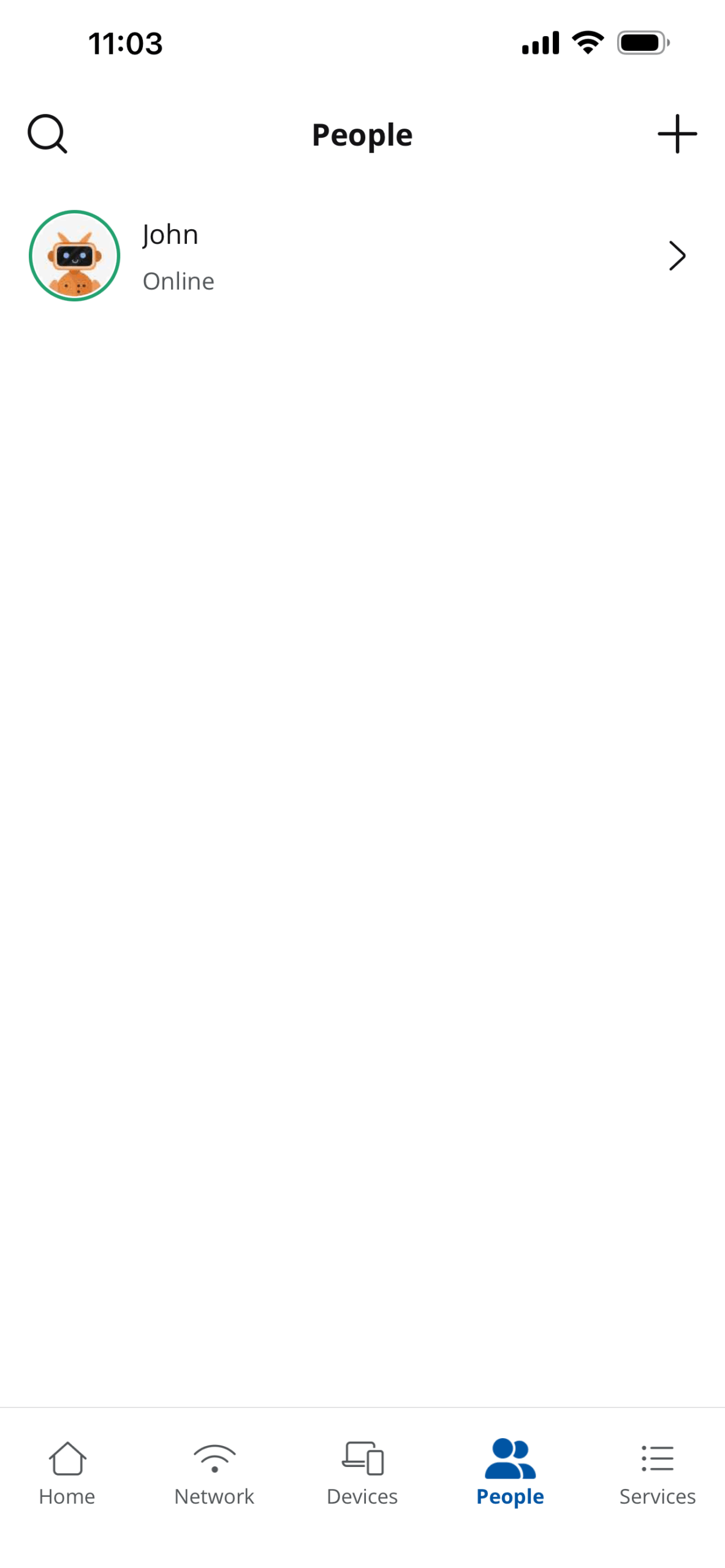
People
Create profiles to set screen time limits and content filters (like blocking gambling or violent content) for family members.
Questions?
We're ready to help!
Give us a call at 618.939.6112.